

 Call us:



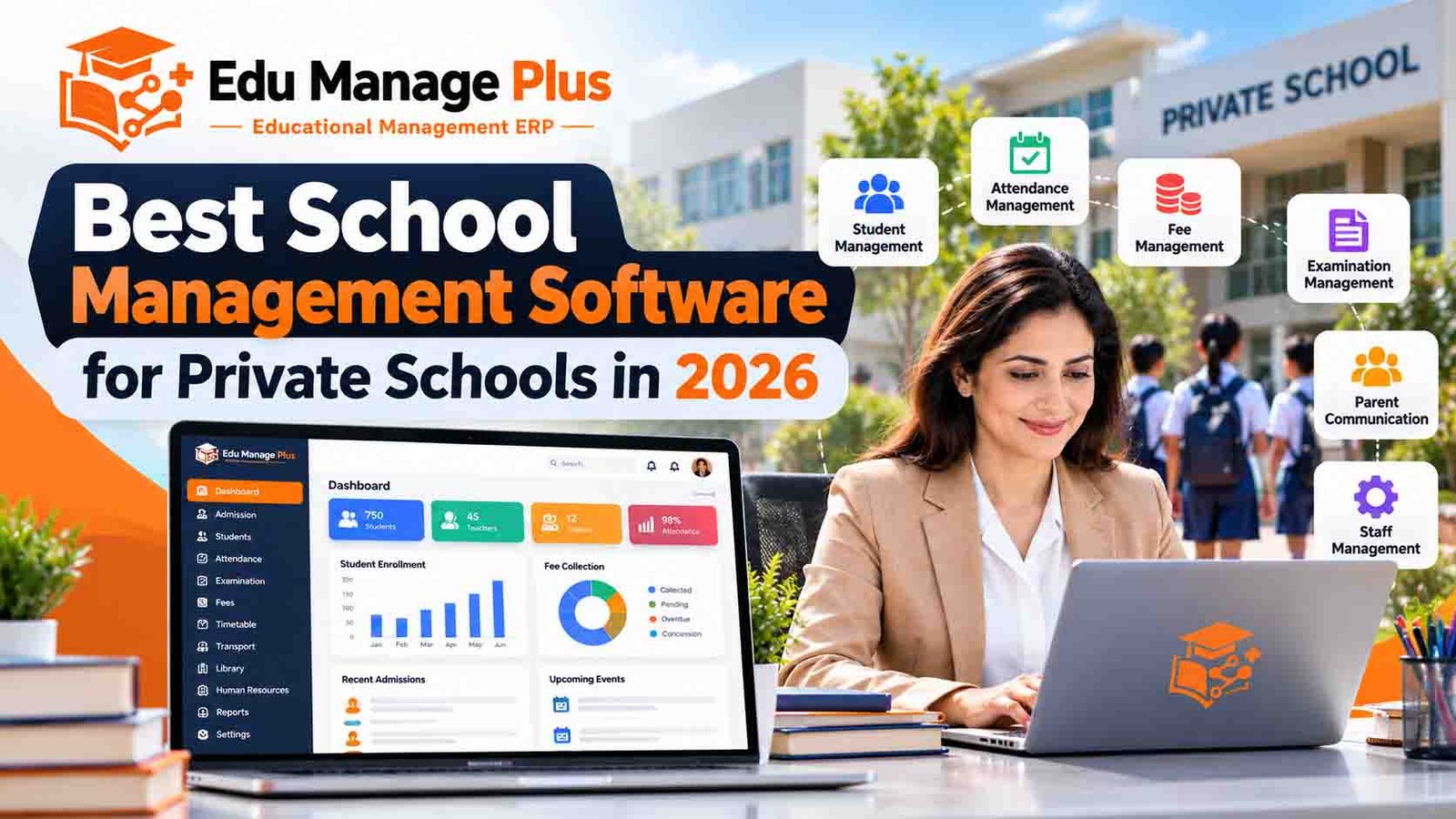
Best School Management Software for Private Schools in 2026
Running a private school involves much more than teaching students. School administrators must manage admissions, attendance, fee collection, examinations, staff records, parent communication and daily operations while maintaining a positive learning environment.
When these activities are handled using separate spreadsheets, paper registers and disconnected applications, administrative work can become time-consuming and difficult to coordinate.
This is where school management software for private schools can make a difference.
A modern school management system helps bring essential administrative and academic activities together on one digital platform. It can help school owners, principals, teachers, accountants and parents access the information they need more efficiently.
In this guide, we explain the essential features to look for, the benefits of school management software, pricing considerations and how to choose the right solution for your institution in 2026.
What Is School Management Software?
School management software is a digital platform designed to help educational institutions manage their administrative, academic and operational activities.
It is also commonly known as school ERP software, school administration software or a student information management system.
Depending on the platform, it may include modules for:
Student admission and enrollment
Student and guardian records
Attendance management
Fee collection and accounting records
Examinations and report cards
Timetable and class management
Staff records and payroll
Homework and assignments
Parent-teacher communication
Transport and library management
Mobile applications and online notifications
Instead of maintaining multiple disconnected systems, schools can use an integrated solution to manage information and streamline routine processes.
Why Do Private Schools Need School Management Software?
Private schools must balance educational quality, parent satisfaction, administrative efficiency and financial sustainability.
The right software can support these objectives in several ways.
1. Simplify Student Admissions
Admission management helps schools organize applications, student information, enrollment details and guardian records.
A digital admission workflow can reduce repetitive data entry and make it easier for administrators to track the status of applications.
2. Improve Fee Management
Fee administration is an important responsibility for private schools.
School fee management software can help organize fee structures, payment records, outstanding balances, receipts and reminders. Depending on the system, it may also support online payment integrations.
Administrators should verify which payment methods and accounting features are supported before selecting a platform.
3. Manage Attendance Efficiently
Teachers and administrators need reliable attendance records to monitor student participation and follow up on absences.
A school ERP system can help record attendance, prepare reports and, where supported, notify parents about attendance updates.
4. Organize Examinations and Results
Examination management features can help schools maintain assessment schedules, enter marks, calculate results and prepare report cards according to their academic requirements.
Before purchasing software, check whether it supports your grading system, subjects, terms and examination structure.
5. Strengthen Parent Communication
Parents want convenient access to relevant information about their children's education.
Depending on the platform, parent portals and mobile applications may provide access to attendance, homework, examination results, fee information, announcements and school notifications.
Better-organized communication can help schools keep families informed.
6. Manage Teachers and Staff
Staff management features can help maintain employee records, attendance, leave information, salary details and payroll workflows.
The exact functionality varies by provider, so schools should evaluate their human resources requirements before implementation.
Essential Features to Look for in School Management Software in 2026
Not every school requires the same features. The best solution is one that meets your institution's actual needs without adding unnecessary complexity.
Student Information Management
Look for a centralized student database containing enrollment details, class assignments, guardian information and academic records.
Attendance Management
Check whether the software supports the attendance workflows used by your teachers and administrative staff.
Fee and Payment Management
Evaluate fee structures, receipts, outstanding-payment reports, reminders and payment gateway compatibility.
Examination and Report Card Management
Confirm support for your school's grading system, examination schedules, marks entry and report-card formats.
Teacher and Parent Portals
Separate portals can help teachers, parents and administrators access relevant information according to their roles.
Mobile Applications
Mobile applications can improve convenience for parents, teachers and school administrators. Ask the provider which applications are available and which features each application supports.
Reports and Analytics
Useful reports may include attendance summaries, fee collection, outstanding dues, enrollment figures and examination performance.
Security and Data Protection
Schools handle sensitive information about students, parents and employees. Evaluate role-based access, authentication, backup procedures, data retention policies and the provider's security practices.
For international schools, also assess applicable data protection obligations and the location where information is stored.
Scalability and Customization
Choose a solution that can accommodate your current enrollment and anticipated growth. Check whether the provider can configure workflows, reports, languages and other features to meet your requirements.
Benefits of School ERP Software for Private Schools
Implementing a suitable school ERP system can offer several operational benefits.
Reduced administrative workload: Digital workflows can reduce repetitive paperwork and duplicate data entry.
Better access to information: Centralized records can help authorized staff retrieve relevant information more easily.
Improved fee visibility: Organized payment records and outstanding-dues reports can support financial follow-up.
Convenient communication: Parent and teacher portals can make school information easier to access.
More organized academic administration: Attendance, examinations, timetables and student records can be managed through connected workflows.
Support for institutional growth: A scalable platform can help schools maintain consistent processes as enrollment increases.
Results depend on the selected features, implementation quality, data accuracy and staff adoption.
How Much Does School Management Software Cost?
The cost of school management software depends on the number of students, required modules, implementation needs and commercial model.
Common pricing approaches include:
Per-student pricing: Charges are calculated according to student enrollment.
Subscription pricing: Schools pay monthly or annually.
One-time licensing: A license fee is paid upfront, with any maintenance or renewal costs specified separately.
Customized implementation: Pricing is based on specific integrations, workflows, modules or development requirements.
Before making a decision, request a complete quotation covering setup, training, hosting, mobile applications, data migration, support, renewals and additional charges.
Schools comparing providers internationally should also confirm the billing currency, applicable taxes and payment arrangements.
How to Choose the Best School Management Software for Your School
Use the following steps to evaluate potential providers.
Step 1: Identify Your Requirements
List the operational problems you want to solve first. These might include admission management, fee tracking, attendance, examination administration or parent communication.
Step 2: Prepare a Feature Checklist
Separate essential features from optional features. This helps you compare providers using the same criteria.
Step 3: Request a Live Demonstration
Ask the provider to demonstrate realistic school workflows rather than showing only a general presentation.
For example, request a demonstration of student admission, fee payment recording, attendance reporting and examination results.
Step 4: Evaluate Ease of Use
Teachers and administrative staff should be able to learn the system without unnecessary complexity. Ask about onboarding and training.
Step 5: Check Data Security
Understand how user access is controlled, how backups are handled and what processes are available for data export and account termination.
Step 6: Compare Total Cost
Review the complete cost over several years rather than comparing only the initial price.
Step 7: Confirm Support and Implementation
Ask who will configure the system, train your staff, help with data migration and provide technical support after launch.
School Management Software for International Private Schools
Schools in different countries may have different academic systems, languages, payment requirements and regulatory obligations.
When evaluating school ERP software internationally, consider the following factors:
Language support: Can the interface and relevant reports support the languages your school needs?
Currency and payments: Does the system support your preferred currency and payment methods?
Academic configuration: Can it accommodate your curriculum, grading practices and academic calendar?
Data protection: Does the provider support the security and compliance requirements applicable to your institution?
Connectivity: Is the platform practical for your school's internet access and device environment?
Implementation and support: Can the provider deliver onboarding and ongoing assistance in a suitable time zone and language?
Schools in the UAE, Nigeria, Ghana, Kenya, Saudi Arabia and other markets should evaluate providers against their specific local requirements instead of assuming every system offers identical functionality.
Why Consider Edu Manage Plus School ERP?
Edu Manage Plus is a school management ERP solution from AIONINNO Technologies Private Limited.
It is designed to help schools manage key administrative and academic workflows through a centralized platform.
Depending on the configuration and selected modules, schools can evaluate Edu Manage Plus for requirements such as:
Student information and admission management
Fee administration
Attendance tracking
Examination and academic records
Staff administration
Parent communication
Digital access to school information
Schools should confirm the availability of individual features, integrations, language requirements and country-specific configurations during a product demonstration.
Whether you manage a small private school or a growing educational institution, begin by identifying your most important operational challenges and assessing how the software addresses them.
Explore Edu Manage Plus: https://www.edumanageplus.com/
Frequently Asked Questions
What is the best school management software for private schools?
The best solution is the one that meets your school's academic, administrative, security and budget requirements. Compare features, ease of use, implementation, support and total cost before choosing a provider.
Is school ERP software suitable for small private schools?
Yes. Small private schools can benefit from centralized student records, attendance, fee administration and parent communication. The chosen package should match the school's enrollment and budget.
What is the difference between school ERP and school management software?
The terms are often used interchangeably. School management software may focus on particular administrative activities, while an ERP system generally emphasizes connected workflows across multiple school departments.
Can parents access school information through mobile applications?
Some platforms provide parent mobile applications or portals for viewing attendance, homework, results, fee details and announcements. The available functions depend on the provider.
How long does school ERP implementation take?
Implementation time depends on the number of modules, data migration, configuration, integrations and staff training. Ask the provider for a timeline based on your school's requirements.
Can schools in different countries use the same school ERP platform?
Potentially, yes. However, schools should confirm language support, local payment options, curriculum configuration, data protection requirements and support arrangements before implementation.
How can I request an Edu Manage Plus demonstration?
Visit https://www.edumanageplus.com/ to explore the platform and contact the team to discuss your school's requirements and request a demonstration.
Conclusion
The right school management software can help private schools organize administration, improve access to information and make routine workflows more efficient.
Before selecting a provider, define your requirements, compare features, review security practices, request a demonstration and understand the complete cost.
If you are looking for a centralized way to manage your school's administrative and academic activities, explore Edu Manage Plus School ERP and evaluate how it fits your institution's needs.
Ready to explore a school ERP solution?
Visit https://www.edumanageplus.com/ and contact Edu Manage Plus to discuss your requirements.